Choosing the right mesh size is one of the most important decisions in screen printing, directly affecting the quality, detail, and durability of the final print. For both beginners and experienced printers, understanding how mesh count, thread thickness, and mesh geometry influence ink flow and image sharpness can make a significant difference in results. This guide offers a comprehensive look at screen printing mesh sizes explained, including how to select the best option for your specific project and why mesh geometry deserves your attention.
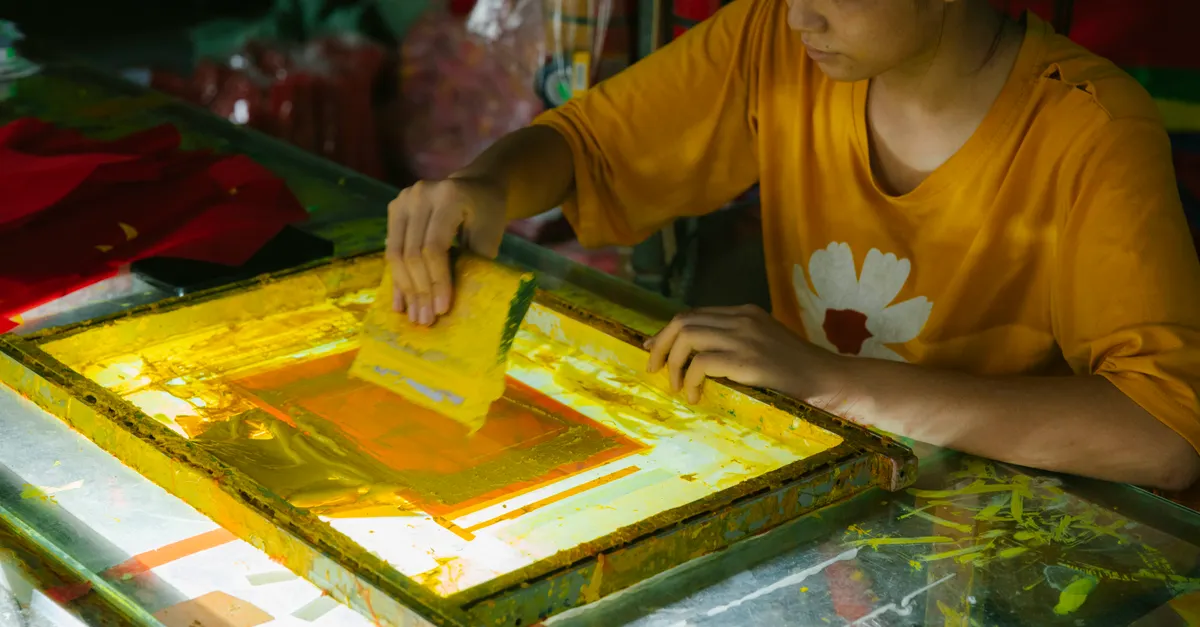
What Mesh Size Means in Screen Printing
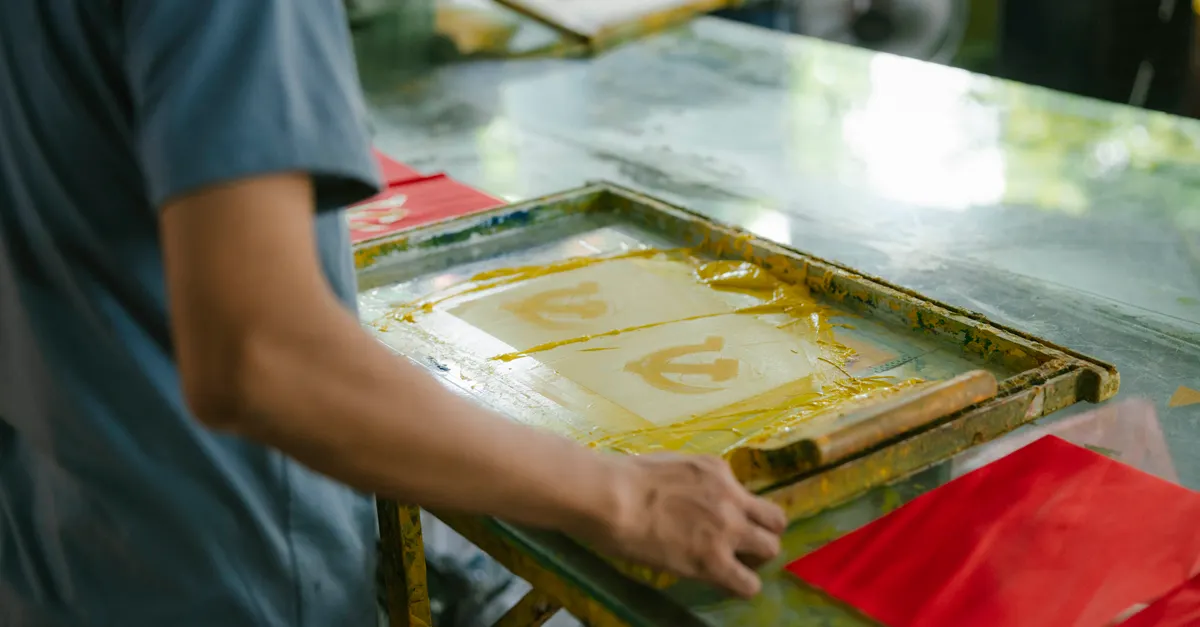
In screen printing, mesh size refers to the number of threads per inch (TPI) or per centimeter (TPC) woven into the screen. This number determines how much ink passes through the screen and how much detail can be captured in the print. The higher the mesh count, the finer the threads and the smaller the openings between them. Conversely, a lower mesh count means thicker threads and larger openings.
Understanding mesh size is crucial because it influences every aspect of the printing process, from the type of ink you can use to the level of detail you can achieve. Selecting the wrong mesh size can lead to issues such as excessive ink deposit, blurry images, or incomplete coverage.
How Mesh Count Affects Print Quality and Detail
The mesh count is a key factor in determining the resolution and sharpness of a screen print. A higher mesh count—such as 230 TPI or above—allows for more detailed and intricate designs because the smaller openings restrict the amount of ink that passes through, resulting in finer lines and sharper edges. This is ideal for printing halftones, small text, or detailed graphics. For more information on how mesh count affects design intricacy, you can refer to this detailed guide.
On the other hand, lower mesh counts—like 110 or 156 TPI—have larger openings, which let more ink through. This is beneficial for bold graphics, large text, or designs that require a thick layer of ink, such as prints on dark fabrics or specialty inks like puff or glitter.
For example, a mesh count of 156 is commonly used for printing on t-shirts with standard plastisol inks, balancing ink coverage and detail. Meanwhile, a 305 mesh might be chosen for fine art prints or detailed logos where crispness is essential. The choice of mesh count directly impacts not only the appearance but also the feel of the print, as more ink can create a heavier hand on the fabric.
For those interested in learning more about how mesh count is used in professional apparel printing, the article on mesh count for fashion provides further insights.
Key Factors in Selecting the Right Mesh Size
Choosing the appropriate mesh size involves considering several variables:
- Ink Type: Thicker inks, such as metallic or puff inks, require lower mesh counts (e.g., 86–110 TPI) to pass through the screen without clogging. Thinner inks, like water-based or discharge inks, can be used with higher mesh counts for finer detail.
- Substrate: The material you are printing on also affects mesh selection. Coarse fabrics or textured surfaces may need a lower mesh count to ensure adequate ink coverage, while smooth, tightly woven fabrics can handle higher mesh counts for detailed prints.
- Design Complexity: Simple, bold graphics benefit from lower mesh counts, while intricate, detailed artwork requires higher mesh counts to capture fine lines and small elements.
- Ink Deposit and Print Feel: Lower mesh counts deposit more ink, resulting in a thicker, more opaque print. Higher mesh counts lay down less ink, producing a softer feel and more subtle appearance.
It’s important to test different mesh sizes with your chosen ink and substrate to find the optimal balance between coverage and detail. For projects involving unique materials or specialty inks, consulting with suppliers or conducting small test runs can help refine your choice.
Common Mesh Sizes and Their Applications
While mesh sizes can range from as low as 24 TPI to over 400 TPI, most screen printing projects use mesh counts between 86 and 305. Here are some typical applications:
- 86–110 TPI: Used for printing with specialty inks (e.g., glitter, metallic, puff) or on fabrics that require heavy ink coverage.
- 156–200 TPI: Ideal for general t-shirt printing, offering a good balance between ink deposit and detail.
- 230–305 TPI: Best for high-detail prints, halftones, and fine line work, especially on smooth fabrics.
Matching the mesh size to your project ensures optimal ink flow, print durability, and visual clarity. For example, printing on dark garments often requires a lower mesh count to achieve vibrant, opaque colors, while printing on light fabrics with detailed artwork benefits from a higher mesh count.
Mesh Geometry: The Role of Shape and Angle
Beyond mesh count, the geometry of the mesh—specifically the shape and angle of the threads—plays a subtle but important role in print quality. Mesh shape refers to the cross-sectional profile of the threads, which can be round or rectangular. Round threads are most common and provide a balance between strength and ink flow. Rectangular threads, on the other hand, can increase open area for ink passage, but may sacrifice some durability.
The mesh angle describes the orientation at which the mesh is woven, typically at 90 degrees (straight) or sometimes at a bias (e.g., 22.5 or 45 degrees). Adjusting the mesh angle can help reduce moiré patterns—unwanted interference patterns that occur when the mesh and design lines interact. For highly detailed or multi-color prints, experimenting with mesh angle can improve image clarity and reduce visual artifacts.
Thread diameter also factors into mesh geometry. Thicker threads are more durable and can withstand higher tension, but they restrict ink flow and may limit the fineness of detail. Thinner threads allow for more open area and finer prints but can be more fragile. Balancing thread diameter with mesh count and mesh shape is key to achieving the desired print effect.
While mesh count is often the first consideration, understanding these aspects of mesh geometry allows printers to fine-tune their process for specific effects, such as sharper edges, smoother gradients, or unique textures.
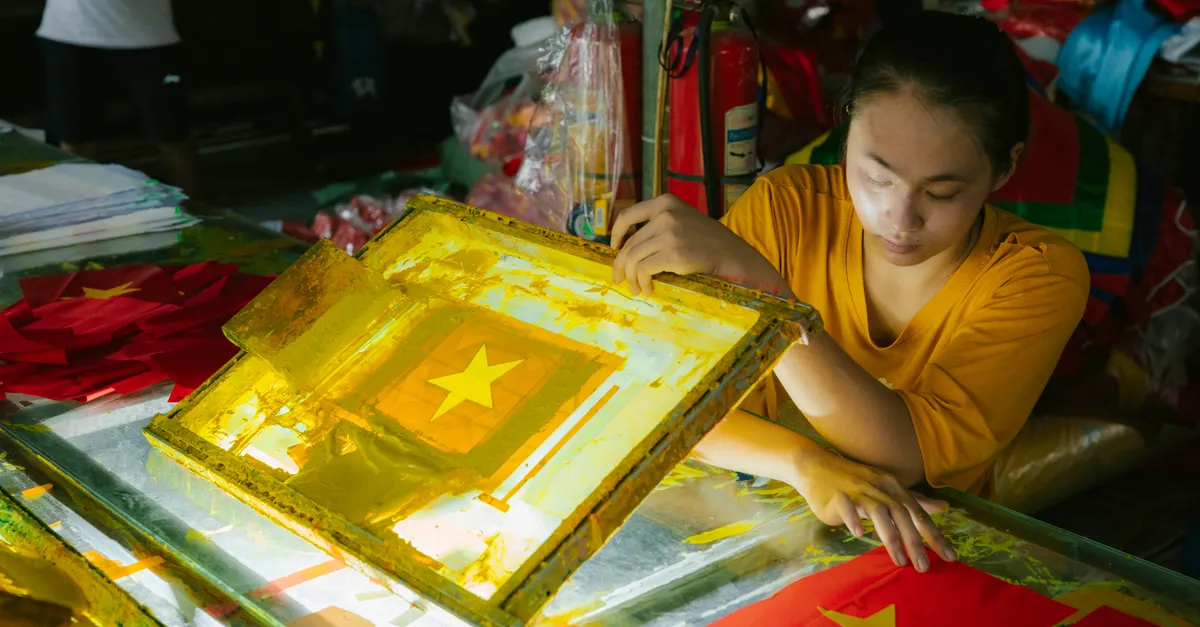
Summary: Making Smart Choices for Better Prints
Understanding the nuances of mesh size, count, and geometry empowers screen printers to achieve better results and avoid common pitfalls. Selecting the right mesh involves more than just picking a number—it requires considering ink type, substrate, design complexity, and the intended print effect. By paying attention to mesh shape, angle, and thread diameter, printers can further refine their process for optimal ink flow, detail, and durability.
Whether you’re printing bold graphics on bags, experimenting with screen printing techniques for bags, or producing intricate designs for fashion, a solid grasp of mesh sizes and geometry will help you deliver consistent, high-quality results.
Frequently Asked Questions
What does mesh count mean in screen printing?
Mesh count refers to the number of threads per inch or centimeter in a screen. A higher mesh count means finer threads and smaller openings, allowing for more detailed prints. Lower mesh counts have larger openings and are used for bold designs or thicker inks.
How do I choose the right mesh size for my project?
Consider the type of ink, the material you’re printing on, and the level of detail in your design. Thicker inks and coarse fabrics need lower mesh counts, while fine details and smooth fabrics benefit from higher mesh counts. Testing different options with your specific materials is the best way to find the ideal mesh size.
Why do mesh shape and angle matter?
Mesh shape (round or rectangular threads) and angle (the orientation of the weave) influence ink flow, print durability, and the risk of moiré patterns. Adjusting these factors can help achieve sharper prints, smoother gradients, and unique visual effects, especially in complex or multi-color designs.