Sublimation printing has become a popular choice for individuals looking to launch a small business from home. With its ability to create vibrant, durable, and personalized products, this method offers a practical entry point for entrepreneurs interested in the customization market. Whether you’re aiming to supplement your income or build a full-time venture, understanding how to set up and run a successful operation with sublimation printing for home business is essential. This guide covers the equipment you’ll need, startup costs, step-by-step setup, troubleshooting tips, and strategies for maximizing profits.
Understanding Sublimation Printing and Its Home Business Potential
Sublimation printing is a process that uses heat to transfer dye onto materials such as polyester fabrics, ceramic mugs, metal sheets, and more. The result is a permanent, full-color image that won’t peel or fade with washing. This technology is especially appealing for home-based businesses because it allows for the creation of highly customized products in small batches, catering to niche markets and personal requests.
Starting a business with this method offers several advantages:
- Low barrier to entry: The required equipment is affordable and compact, making it suitable for home use.
- Versatility: You can produce a wide range of items, from apparel and mugs to keychains and home décor.
- Personalization: Custom orders are easy to fulfill, opening up opportunities for gifts, events, and branded merchandise.
For those seeking a flexible, creative, and scalable business, sublimation printing for home business is a compelling option.
Essential Equipment and Printer Comparison for Beginners
To get started, you’ll need a few key pieces of equipment. The initial investment can be as low as $200 if you opt for entry-level tools, but spending a bit more can improve quality and efficiency. Here’s what you’ll need:
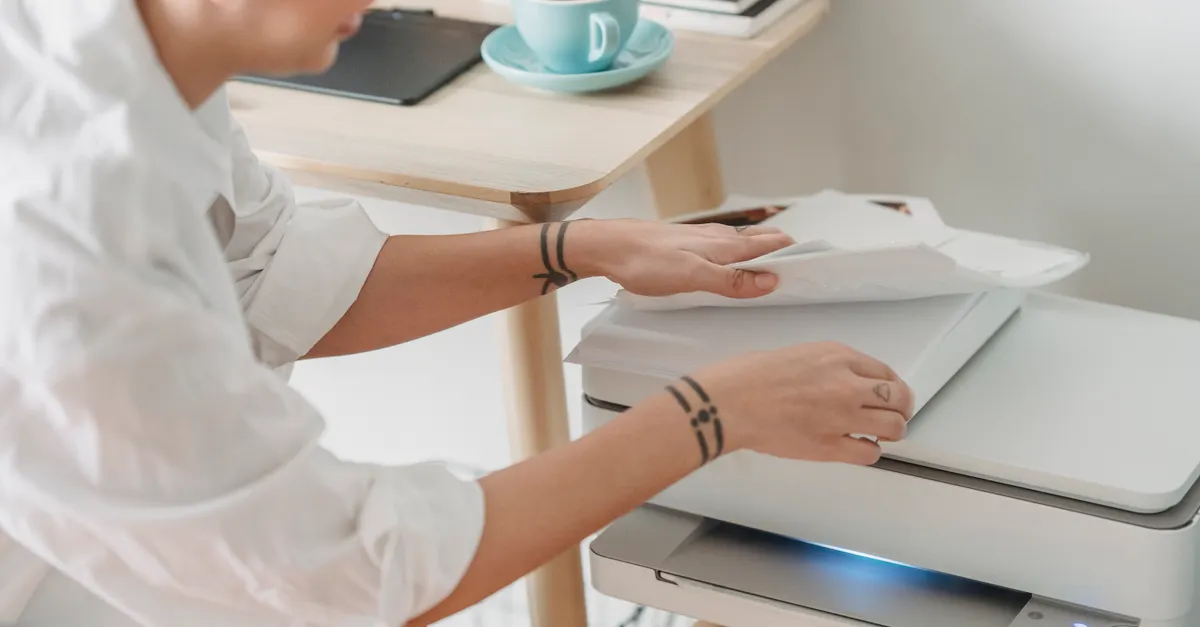
- Sublimation printer: The heart of your setup. Specialized printers like the Sawgrass SG500 and SG1000 are highly recommended for beginners due to their user-friendly interfaces and reliable results. These models are designed specifically for sublimation, ensuring optimal ink flow and color accuracy. The SG500 is ideal for standard-sized prints (up to 8.5″ x 14″), while the SG1000 accommodates larger formats (up to 11″ x 17″), making it suitable if you plan to expand your product range.
- Sublimation ink: Only use inks formulated for sublimation. These are heat-activated and bond with polyester or polymer-coated surfaces.
- Sublimation paper: This special paper holds the ink until it’s transferred onto your blank product.
- Heat press: A heat press machine applies the necessary temperature and pressure to transfer your design. Flat presses are used for shirts and mousepads, while mug presses or attachments are needed for cylindrical items.
- Heat resistant tape: Keeps your design in place during pressing to prevent ghosting or misalignment.
- Blanks: These are the items you’ll customize—such as polyester shirts, mugs, or coasters. It’s crucial to use blanks that are either made of polyester or have a polymer coating for the ink to bond properly.
When comparing printers, consider the following:
- Budget: Sawgrass SG500 is more affordable and sufficient for most beginners. The SG1000, while pricier, offers greater versatility for larger products.
- Ease of use: Both Sawgrass models come with intuitive software and strong customer support, making them ideal for those new to printing.
- Print size: Choose based on the types of products you want to create. If you plan to print on larger items like tote bags or signs, the SG1000’s larger format is beneficial.
For a deeper dive into the process and necessary materials, you might find the overview of sublimation printing materials helpful as you plan your setup.
Step-by-Step Setup for Your Home-Based Sublimation Printing Venture
Launching your business involves more than just buying equipment. Here’s a straightforward approach to get you started:
- Prepare your workspace: Dedicate a clean, well-ventilated area for your printer and heat press. Ensure you have access to electrical outlets and a sturdy table.
- Install your printer: Set up your chosen sublimation printer (such as the Sawgrass SG500 or SG1000) according to the manufacturer’s instructions. Load it with sublimation ink and paper.
- Design your artwork: Use graphic design software to create or customize images. Sawgrass printers often include design software, which is helpful for beginners.
- Print your design: Mirror your image before printing, as the transfer process will flip it onto the blank.
- Prepare the blank: Clean the surface of your blank product to remove dust or oils. Secure the printed design onto the blank using heat resistant tape.
- Press the design: Set your heat press to the recommended temperature and time for your blank (these settings vary by material). Apply firm, even pressure.
- Remove and cool: Carefully remove the paper and tape, then allow the item to cool. Your custom product is now ready!
This process is straightforward and accessible, especially compared to other printing methods. With a bit of practice, you’ll quickly gain confidence in producing professional-quality results.
Overcoming Common Challenges in Sublimation Printing
Like any business, you may encounter a few hurdles as you get started with sublimation printing for home business. Here are some frequent issues and how to address them:
- Image fading or dull colors: This often results from using the wrong blanks. Always choose polyester-based or polymer-coated products, as sublimation ink bonds best with these surfaces.
- Ghosting or blurry transfers: Ensure your design is firmly taped down and the blank doesn’t shift during pressing. Allow the item to cool before handling.
- Incorrect colors: Check your printer settings and color profiles. Using manufacturer-recommended software and ICC profiles helps maintain color accuracy.
- Uneven transfers: Make sure your heat press applies even pressure and reaches the correct temperature. Test with a sample before running larger batches.
Most issues can be resolved with careful preparation and attention to detail. As you gain experience, troubleshooting will become second nature.
Boosting Profits with Product Selection and Market Trends
One of the biggest advantages of sublimation printing for home business is the ability to offer a wide variety of custom products. Some of the most profitable items include:
- Mugs and drinkware: Always in demand for gifts and promotional items.
- T-shirts and apparel: Personalized shirts for events, teams, or businesses are popular year-round.
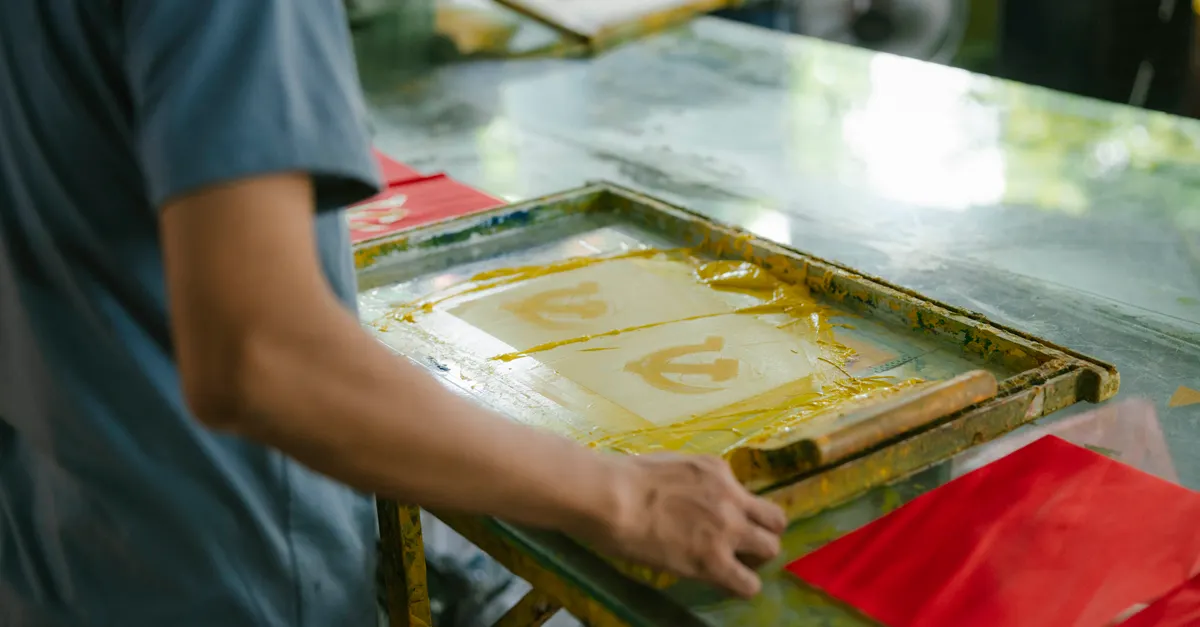
- Home décor: Items like pillows, coasters, and wall art appeal to customers looking for unique designs. For inspiration, you can explore creative ideas in screen printing techniques for home decor.
- Accessories: Keychains, mousepads, and tote bags are cost-effective to produce and easy to personalize.
To maximize profitability:
- Focus on niche markets (such as pet lovers, sports fans, or local businesses).
- Offer bundled products (like mug and coaster sets).
- Stay updated on seasonal trends and holidays to create timely, in-demand designs.
- Promote your business on social media and online marketplaces to reach a wider audience.
Customization and quick turnaround are your biggest selling points. By responding to customer needs and keeping your product range fresh, you can build a loyal client base and grow your business steadily.
Conclusion: Taking the Next Steps Toward Your Sublimation Business
Starting a venture with sublimation printing for home business is both accessible and rewarding. With the right equipment, a clear setup process, and a focus on quality and customer service, you can carve out a profitable niche in the customization market. Remember to start with essential tools, practice your technique, and stay adaptable as you learn what products and designs resonate with your audience. As you gain experience, consider expanding your offerings and refining your workflow to boost efficiency and profits. With dedication and creativity, your home-based business can thrive in this growing industry.
Frequently Asked Questions
What is the minimum investment needed to start a sublimation printing business at home?
You can begin with a basic setup for as little as $200, covering entry-level equipment and supplies. Investing in higher-quality tools like the Sawgrass SG500 or SG1000 may increase your initial costs but can lead to better results and greater efficiency.
Which products are easiest and most profitable to make with sublimation printing?
Mugs, t-shirts, and small accessories like keychains and mousepads are popular choices. These items are easy to source, quick to produce, and have broad appeal for both personal and business customers.
How do I avoid common mistakes when starting out?
Use only polyester or polymer-coated blanks, double-check your printer settings, and secure your designs with heat resistant tape before pressing. Start with small test runs to perfect your process before taking on larger orders.