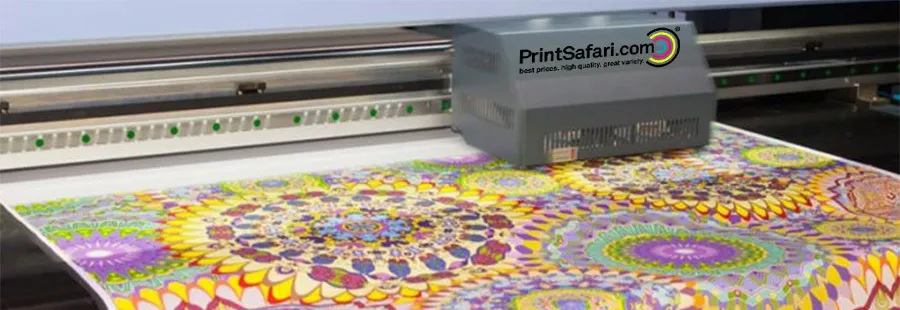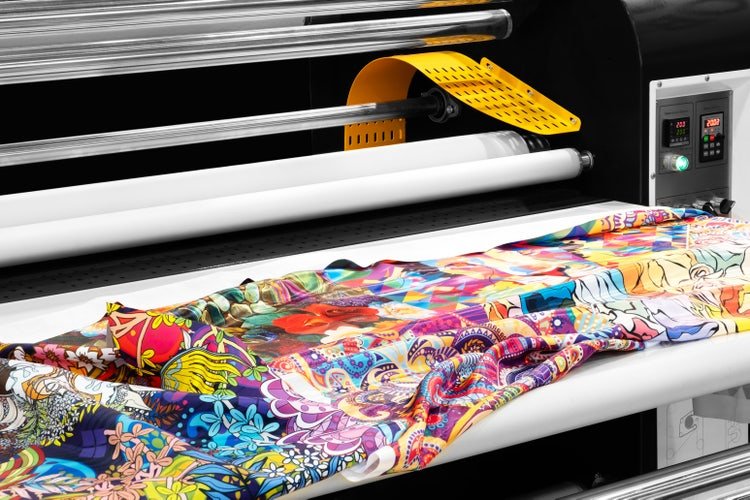
Investing in a textile printer is a significant step for any business aiming to produce high-quality fabric prints. However, the real value comes from keeping your equipment running smoothly and efficiently over the long term. Proper care ensures consistent print quality, reduces costly downtime, and extends the life of your machine. Understanding how to maintain a textile printer for longevity is essential for anyone in the textile printing industry, whether you’re running a small studio or managing large-scale production.
This article covers the most effective strategies and routines for preserving your textile printer’s performance. You’ll find practical advice on daily, weekly, and monthly maintenance, as well as tips for troubleshooting common issues. If you’re also interested in advanced printing techniques, you might want to explore our guide on how to print on dark fabrics effectively for additional insights.
Why Routine Care Matters for Textile Printers
Textile printers are complex machines that handle a variety of fabrics and inks. Over time, dust, lint, and ink residue can build up, leading to print defects, clogs, and even hardware failures. Regular upkeep not only preserves print quality but also helps you avoid unexpected breakdowns and expensive repairs. By following a structured maintenance plan, you can maximize uptime and keep your business running smoothly.
Daily Maintenance: Small Steps for Big Impact
Incorporating daily routines is one of the most effective ways to ensure your printer’s longevity. Here are some essential tasks to perform every day:
- Clean printheads and nozzles: Use manufacturer-approved cleaning solutions to prevent clogs and maintain sharp, vibrant prints.
- Wipe down surfaces: Remove dust, lint, and stray fibers from the printer’s exterior and fabric feed areas.
- Check ink levels: Ensure cartridges or tanks are filled to avoid running dry, which can damage the printhead.
- Inspect for leaks or spills: Address any ink spills immediately to prevent staining or internal damage.
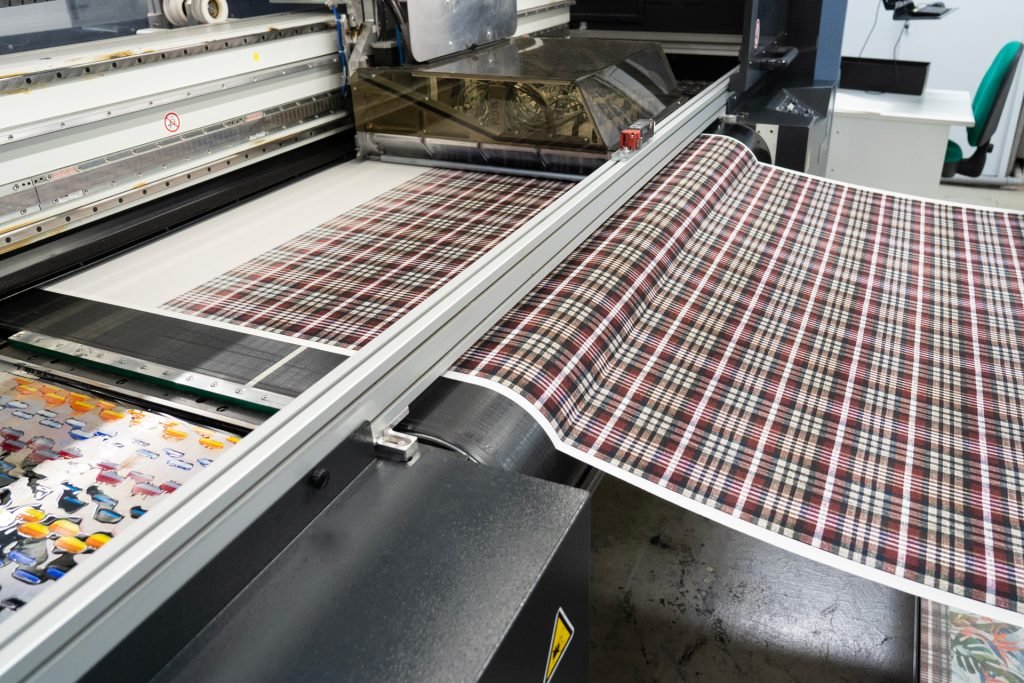
Weekly and Monthly Tasks for Optimal Performance
While daily routines keep your printer in check, weekly and monthly maintenance addresses deeper issues that can affect long-term performance.
Weekly Maintenance Checklist
- Deep clean printheads: Run the printer’s built-in cleaning cycle or manually clean according to the manufacturer’s instructions.
- Lubricate moving parts: Apply recommended lubricants to rails and gears to reduce wear and noise.
- Check for firmware updates: Keeping software current can improve efficiency and fix bugs.
- Inspect rollers and belts: Look for signs of wear or misalignment and adjust as needed.
Monthly Maintenance Essentials
- Replace filters and wipers: These components collect ink residue and debris; replacing them prevents buildup and print defects.
- Calibrate the printer: Regular calibration ensures color accuracy and consistent results across different fabrics.
- Clean the ink delivery system: Flush lines and tanks if recommended by your printer’s manual, especially if switching ink types.
- Review usage logs: Monitoring print counts and error logs can help you spot patterns and address issues proactively.
Best Practices for Extending Textile Printer Life
Beyond routine cleaning, adopting a few key habits can significantly extend your printer’s usable life:
- Use high-quality inks and consumables: Cheap or incompatible supplies can cause clogs and damage sensitive components.
- Maintain a stable environment: Keep your printer in a clean, temperature-controlled space to avoid humidity-related problems.
- Handle fabrics carefully: Pre-treat and de-lint textiles before printing to reduce debris inside the machine.
- Train your staff: Ensure everyone using the printer understands proper operation and maintenance routines.

Common Issues and Troubleshooting Tips
Even with diligent care, textile printers can experience occasional problems. Here are some frequent issues and how to address them:
- Banding or streaks: Often caused by clogged nozzles or misaligned printheads. Run a cleaning cycle and check alignment settings.
- Ink smudging: May result from excess humidity or slow drying times. Adjust environmental controls and use compatible inks.
- Fabric jams: Ensure textiles are loaded straight and free of wrinkles. Regularly inspect feed rollers for debris.
- Color inconsistencies: Calibrate the printer and verify you’re using the correct profiles for each fabric type.
For a deeper understanding of the technology behind these machines, you can read this comprehensive overview of digital textile printing.
Integrating Maintenance into Your Workflow
The most successful print shops treat maintenance as a core part of their workflow, not an afterthought. Assign responsibility for daily, weekly, and monthly tasks, and keep a logbook to track completed routines. This approach ensures nothing is overlooked and helps you spot emerging issues before they become serious problems.
If you’re planning to expand your printing capabilities, consider learning about the comparison of silk screen vs heat transfer printing to choose the right method for your needs.
Frequently Asked Questions
How often should I clean the printheads on my textile printer?
For most printers, it’s best to clean the printheads daily to prevent clogs and maintain print quality. If your machine is used heavily or you notice print defects, you may need to perform additional cleanings or deep cleans weekly.
What type of ink should I use to ensure long printer life?
Always use inks recommended by your printer’s manufacturer. High-quality, compatible inks reduce the risk of clogs and component wear, supporting both print quality and equipment longevity.
Can I perform all maintenance tasks myself, or do I need a technician?
Many routine tasks, such as cleaning and basic inspections, can be handled in-house. However, for complex repairs, firmware updates, or internal part replacements, it’s wise to consult a certified technician to avoid accidental damage.
Conclusion
Keeping your textile printer in top shape requires a balance of daily diligence and periodic deep maintenance. By following the strategies outlined here, you’ll protect your investment, ensure consistent print quality, and minimize costly downtime. For those looking to further refine their workflow, our article on how to set up a tech pack for textile printing offers practical tips for preparing designs and specifications. With the right approach, your textile printer will deliver excellent results for years to come.