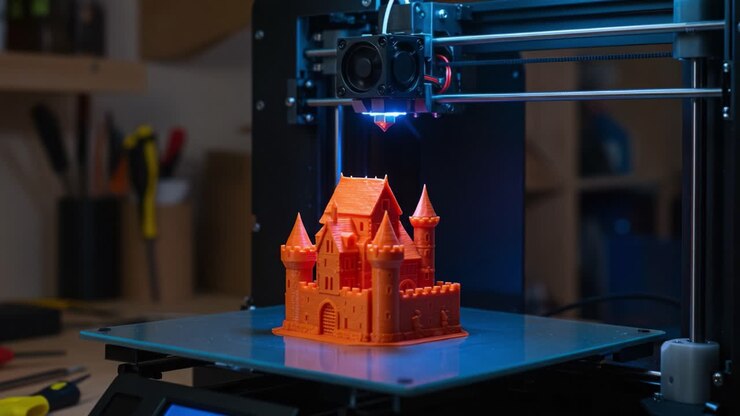
The world of 3D printing is evolving rapidly, and one of the most significant advancements is the integration of the Internet of Things (IoT) into desktop and industrial printers. IoT enabled 3D printers are transforming how makers, engineers, and businesses approach digital fabrication, offering a new level of smart connectivity, automation, and remote management. These connected devices bridge the gap between physical manufacturing and digital control, making it easier than ever to monitor, adjust, and optimize print jobs from anywhere.
Whether you’re a hobbyist looking to streamline your workflow or a professional aiming to scale up production, understanding the benefits and setup of these smart printers is essential. In this guide, we’ll explore the core features of connected 3D printers, how to get started, and practical tips for leveraging IoT technology in your own projects.
If you’re interested in mastering advanced print techniques, check out our guide on printing complex geometries for practical tips and troubleshooting advice.
What Makes a 3D Printer IoT-Enabled?
The term IoT enabled 3D printers refers to machines equipped with network connectivity and smart features that allow them to communicate with other devices, cloud platforms, and users. These printers often include Wi-Fi or Ethernet modules, onboard sensors, and dedicated software for remote access. The main goal is to provide seamless integration between the printer, the user, and the broader digital ecosystem.
- Remote Monitoring: Track print progress, receive notifications, and view live camera feeds from any location.
- Automated Maintenance: Sensors detect issues like filament jams or temperature fluctuations, triggering alerts or automatic corrections.
- Cloud Printing: Send files directly to the printer from cloud storage or design software, eliminating the need for USB drives or SD cards.
- Data Analytics: Collect and analyze usage data to improve print quality, predict maintenance needs, and optimize workflows.
Key Benefits of Connected 3D Printing Solutions
Smart connectivity brings a range of advantages to digital fabrication. Here are some of the most impactful benefits for modern makers and businesses:
Enhanced Workflow Efficiency
With networked printers, you can queue jobs, adjust settings, and monitor multiple devices from a single dashboard. This is especially valuable for teams managing several machines or running a print farm.
Improved Print Quality and Reliability
IoT integration enables real-time feedback and error detection. Sensors can pause a job if a problem is detected, reducing wasted material and time. Over time, data collected from each print can help refine settings for better results.
Remote Access and Control
Whether you’re at home, in the office, or halfway around the world, you can start, stop, or modify print jobs using a smartphone or computer. This flexibility is a game-changer for professionals who need to manage projects on the go.
Scalability for Growing Operations
As your needs expand, connected printers make it easier to add new devices to your network and coordinate production. Cloud-based management tools allow for centralized control, making it simple to scale up without sacrificing oversight.
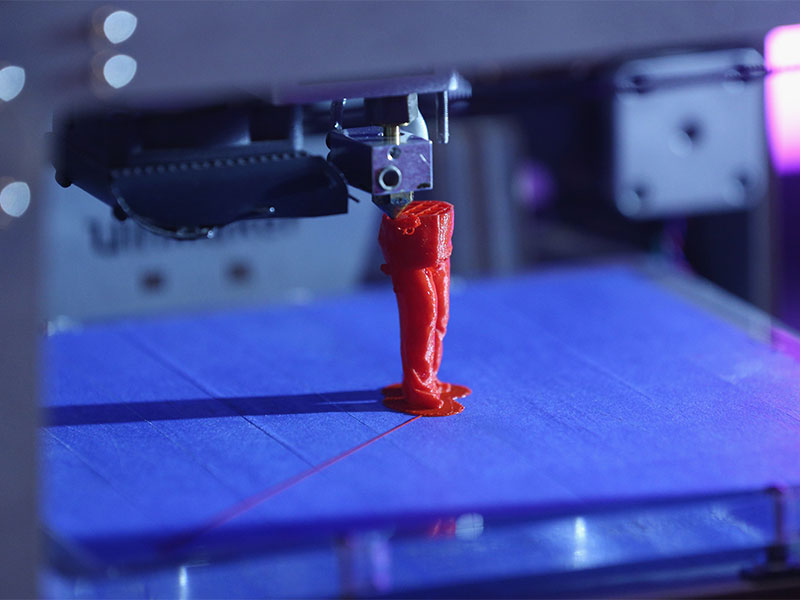
How to Set Up and Use IoT Features on Your 3D Printer
Getting started with a connected printer doesn’t have to be complicated. Follow these steps to unlock the full potential of your device:
- Connect to Your Network: Most modern printers include built-in Wi-Fi or Ethernet ports. Use the touchscreen or web interface to join your local network.
- Install Companion Software: Download the manufacturer’s app or recommended platform for remote management. Popular options include OctoPrint, Creality Cloud, and PrusaConnect.
- Enable Cloud Services: Register your device with the cloud platform, allowing you to send files, monitor prints, and receive notifications from anywhere.
- Set Up Cameras and Sensors: Many printers support webcams or built-in cameras for live monitoring. Configure any available sensors for temperature, humidity, or filament detection.
- Test Remote Access: Start a test print and use your phone or computer to monitor progress, adjust settings, or pause the job if needed.
For those new to 3D modeling, our resource on 3D modeling tips for printing can help you create designs that are optimized for smart, connected printers.
Popular Applications for IoT Connected 3D Printers
The integration of IoT technology into 3D printing is driving innovation across multiple industries. Here are a few notable examples:
- Healthcare: Hospitals use networked printers to produce custom prosthetics and surgical models, with doctors able to review and approve prints remotely.
- Manufacturing: Factories deploy fleets of printers managed from a central dashboard, enabling rapid prototyping and just-in-time production.
- Education: Schools and universities leverage remote access to manage multiple devices in makerspaces, supporting collaborative learning and project-based instruction.
- Home Makers: Hobbyists benefit from the convenience of starting prints from their phones and monitoring progress without being tied to the workshop.
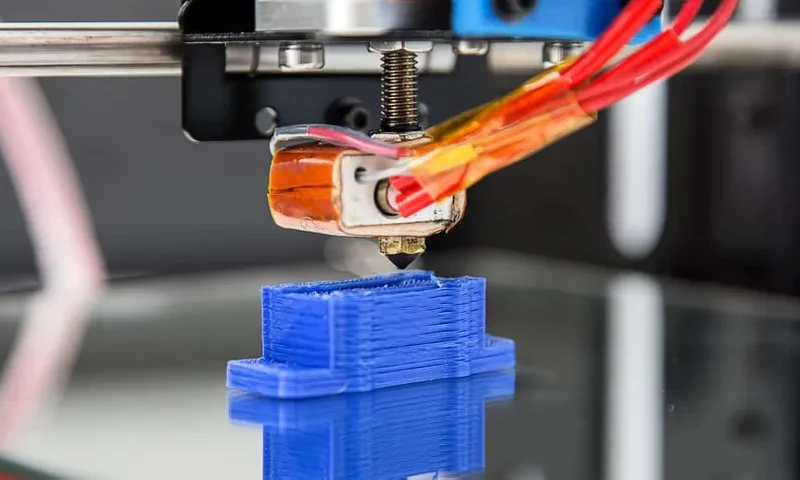
Choosing the Right IoT 3D Printer for Your Needs
When selecting a connected 3D printer, consider your specific requirements and workflow. Here are a few factors to keep in mind:
- Connectivity Options: Look for printers with reliable Wi-Fi, Ethernet, or even Bluetooth support.
- Software Compatibility: Ensure the device works with your preferred cloud platform or management app.
- Camera and Sensor Integration: Built-in cameras and sensors add value for remote monitoring and quality assurance.
- Print Volume and Material Support: Match the printer’s capabilities to your project needs, whether you’re working with PLA, ABS, resin, or specialty filaments.
- Community and Support: A strong user community and responsive support team can make troubleshooting and upgrades much easier.
For a deeper dive into file compatibility, our article on 3D printing file formats explained covers the most common formats used with connected printers.
Best Practices for Secure and Reliable IoT 3D Printing
As with any networked device, security and reliability are critical. Here are some tips to keep your smart printer safe and running smoothly:
- Change Default Passwords: Always set strong, unique passwords for your printer and cloud accounts.
- Keep Firmware Updated: Regularly check for and install firmware updates to patch vulnerabilities and improve performance.
- Use Secure Networks: Connect your printer to a trusted, password-protected network. Avoid public Wi-Fi for sensitive projects.
- Monitor Access Logs: Review device logs to detect unauthorized access or unusual activity.
- Backup Important Files: Store copies of your designs and print settings in secure cloud storage or offline backups.
If you’re new to designing for digital fabrication, our guide on how to design for 3D printing offers practical advice for creating models that print successfully on connected devices.
Frequently Asked Questions
What is the main advantage of using a networked 3D printer?
The biggest benefit is the ability to monitor and control your printer remotely. This saves time, increases productivity, and allows you to manage multiple devices from a single interface.
Are IoT features available on both FDM and resin printers?
Yes, many manufacturers now offer smart connectivity on both FDM (filament) and resin-based printers. Features may vary, but remote monitoring and cloud printing are becoming standard across technologies.
How secure are IoT connected 3D printers?
Security depends on the manufacturer and your own network practices. Using strong passwords, keeping firmware updated, and connecting to secure networks are essential steps to protect your device and data.
Where can I learn more about 3D printing technology?
For a comprehensive overview, see this detailed explanation of 3D printing covering history, applications, and future trends.