


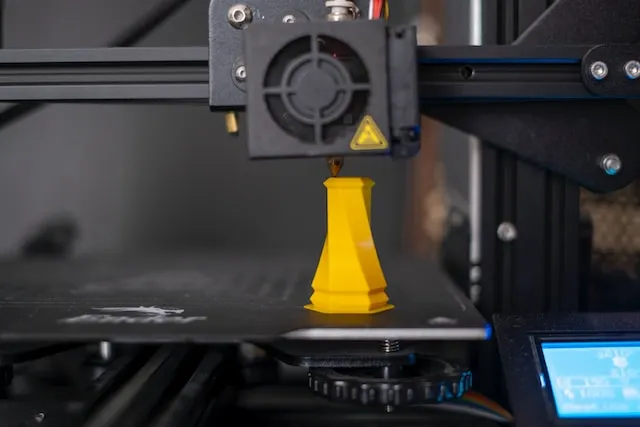
Removing supports from 3D printed models is a crucial step that can make the difference between a flawless print and a damaged part. Whether you’re working with FDM or resin printers, the process of detaching supports requires patience, the right tools, and a solid understanding of your material. This guide offers practical 3D printing supports removal tips to help you achieve clean results while minimizing the risk of breakage or surface defects.
As 3D printing technology advances, more creators are tackling complex geometries and intricate designs. If you’re interested in learning about strategies for challenging prints, check out printing complex geometries for additional insights. For now, let’s focus on the essential steps and techniques for safe and effective support removal.
Understanding Support Structures in 3D Printing
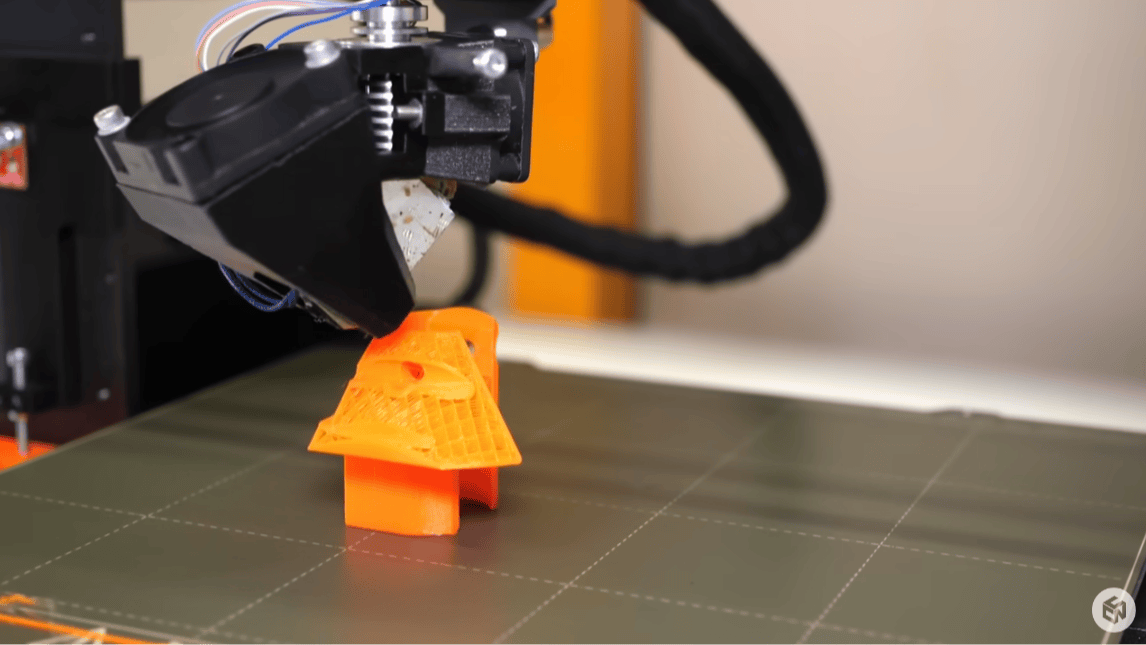
Support structures are temporary scaffolds printed alongside your model to prevent overhangs from collapsing and to ensure successful fabrication of complex shapes. They are particularly important for prints with bridges, steep angles, or intricate details. While supports are essential, improper removal can leave marks, rough surfaces, or even break delicate parts.
There are several types of supports, including grid, tree, and custom supports. The choice depends on your printer, material, and the geometry of your design. For a deeper dive into how 3D printers operate and the role of supports, see this overview of 3D printer mechanics.
Preparation: Setting Up for Safe Support Removal
Before you begin removing supports, it’s important to prepare both your workspace and your tools. Here are some key steps:
- Allow the print to cool: Removing supports while the model is still warm can cause warping or accidental deformation. Give your print time to reach room temperature.
- Gather the right tools: Common tools include flush cutters, needle-nose pliers, hobby knives, tweezers, and sanding sticks. For resin prints, consider wearing gloves to protect your skin from uncured resin.
- Work in a well-lit area: Good lighting helps you see fine details and avoid mistakes.
If you’re designing your own models, thoughtful planning can reduce the need for excessive supports. Explore how to design for 3D printing for tips on optimizing your files.
Essential 3D Printing Supports Removal Tips
The following techniques will help you remove supports efficiently and with minimal risk to your model:
- Start with gentle pressure: Begin by flexing the support structures slightly to see if they detach easily. Many supports are designed to break away with minimal force.
- Use flush cutters for precision: For supports that are close to the model, use flush cutters to snip them off as close to the surface as possible. This reduces the need for excessive sanding later.
- Work slowly around delicate areas: Take extra care near thin walls, sharp points, or intricate details. Removing supports too quickly can snap fragile features.
- Leverage the right angle: Approach supports from the direction they were printed. This often makes them easier to detach without pulling on the model itself.
- Sand and finish as needed: After removal, use fine-grit sandpaper or sanding sticks to smooth any rough spots. For resin prints, a quick rinse in isopropyl alcohol can help clean up residue.
Common Mistakes to Avoid When Removing Supports
Even experienced makers can run into trouble during support removal. Here are some pitfalls to watch out for:
- Rushing the process: Trying to remove all supports at once or using excessive force can break your print. Take your time and remove supports in small sections.
- Using dull tools: Blunt cutters or knives can crush or tear the model instead of making clean cuts. Keep your tools sharp and replace them as needed.
- Neglecting post-processing: Failing to sand or clean up after support removal can leave visible marks, especially on display pieces.
- Ignoring model orientation: Poor print orientation can lead to unnecessary supports in hard-to-reach places. Adjusting your model before printing can make support removal much easier.
For more advice on preparing your files and avoiding design errors, see 3D modeling tips for printing.
Special Considerations for Resin and FDM Prints
The techniques for removing supports can vary depending on whether you’re working with FDM or resin prints:
- FDM prints: Supports are usually made from the same material as the model. They can often be snapped off, but stubborn supports may require careful cutting. Some printers allow for soluble supports, which dissolve in water or a special solution.
- Resin prints: Supports are typically thinner and more brittle. Always wear gloves, as uncured resin can irritate your skin. Consider using warm water or a short soak in isopropyl alcohol to soften supports before removal.
Post-Processing: Achieving a Smooth Finish
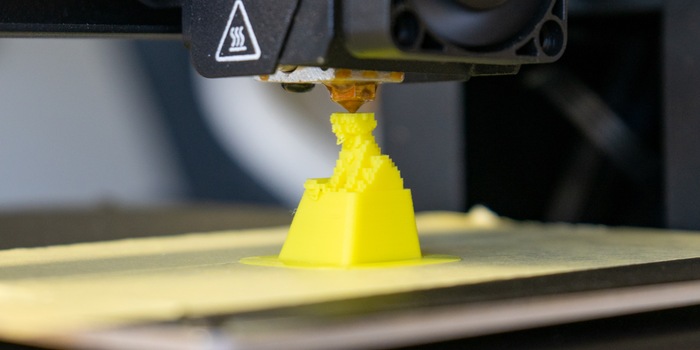
After supports are removed, some post-processing is usually required to achieve a professional look. Here are some finishing steps:
- Sanding: Use progressively finer grits to smooth the surface. Start with 200–400 grit and finish with 800–1000 grit for a polished appearance.
- Filling: For deeper marks or gaps, apply a small amount of filler or putty, then sand smooth once dry.
- Priming and painting: If you plan to paint your model, a primer coat will help hide minor imperfections and create a uniform surface.
- Cleaning: For resin prints, a final rinse in isopropyl alcohol removes dust and residue.
If you’re interested in learning more about file types and how they affect your print’s quality and support needs, read 3D printing file formats explained.
FAQ: Support Removal in 3D Printing
What tools are best for removing supports from 3D prints?
The most effective tools include flush cutters, needle-nose pliers, hobby knives, and sanding sticks. For resin prints, gloves and isopropyl alcohol are also recommended to ensure safety and cleanliness.
How can I prevent damage when taking off supports?
Work slowly, use sharp tools, and remove supports in small sections. Always support delicate parts with your fingers and avoid twisting or bending thin features. Allowing the print to cool completely before removal also helps prevent warping.
Are there ways to reduce the number of supports needed?
Yes, optimizing your model’s orientation and design can minimize the need for supports. Using slicer settings to adjust support density and pattern, or designing custom supports, can also make removal easier. For more advice, see CAD for 3D printing beginners.
Do soluble supports make removal easier?
Soluble supports, such as those made from PVA or HIPS, can be dissolved in water or a specific solvent, greatly simplifying the process and reducing the risk of surface damage. However, they require compatible dual-extruder printers and may increase material costs.
Conclusion
Mastering 3D printing supports removal tips is essential for achieving high-quality models without frustration. With the right preparation, careful technique, and attention to detail, you can remove supports cleanly and preserve the integrity of your prints. Remember to choose the best tools for your material, work patiently, and invest time in post-processing for the best results. As you gain experience, you’ll find the process becomes faster and more intuitive, allowing you to tackle even the most complex designs with confidence.

